
The word-by-word look
The style short video is built onBig, bold captions that light up one word at a time as it's spoken — the punchy, high-retention style you see all over short social video. Each active word pops as it lands and highlights in a colour of your choosing, so the caption drives the pace instead of just sitting under it.
You decide how many words show at once, how much each one grows as it hits, and where the line sits in frame. PunchyCaptions renders it live, so what you see in the preview is exactly what you export.
Two ways to caption
Type it, or let your Mac listenBring in a finished video, then get your words on screen whichever way suits the clip:
Paste a script. Drop in the words and PunchyCaptions lays them across the clip as a starting point — then you nudge the timing until each word lands on the beat. Save a run of words as a group to retime them together later.
Transcribe the audio. Let your Mac listen to the video and turn the spoken words into timed captions automatically. The transcription runs entirely on your Mac — the audio is never sent anywhere.

Private by design
Your video never leaves your Mac.
PunchyCaptions has no account, no sign-in, and no servers. It makes no network connections at all — there's no analytics, no tracking, and nothing is ever uploaded. Even the transcription happens on-device.
Your clips and projects stay in the files you choose, on your own machine. The only permission the app asks for is speech recognition, so it can turn your video's audio into captions — right there on your Mac.
Style it your way
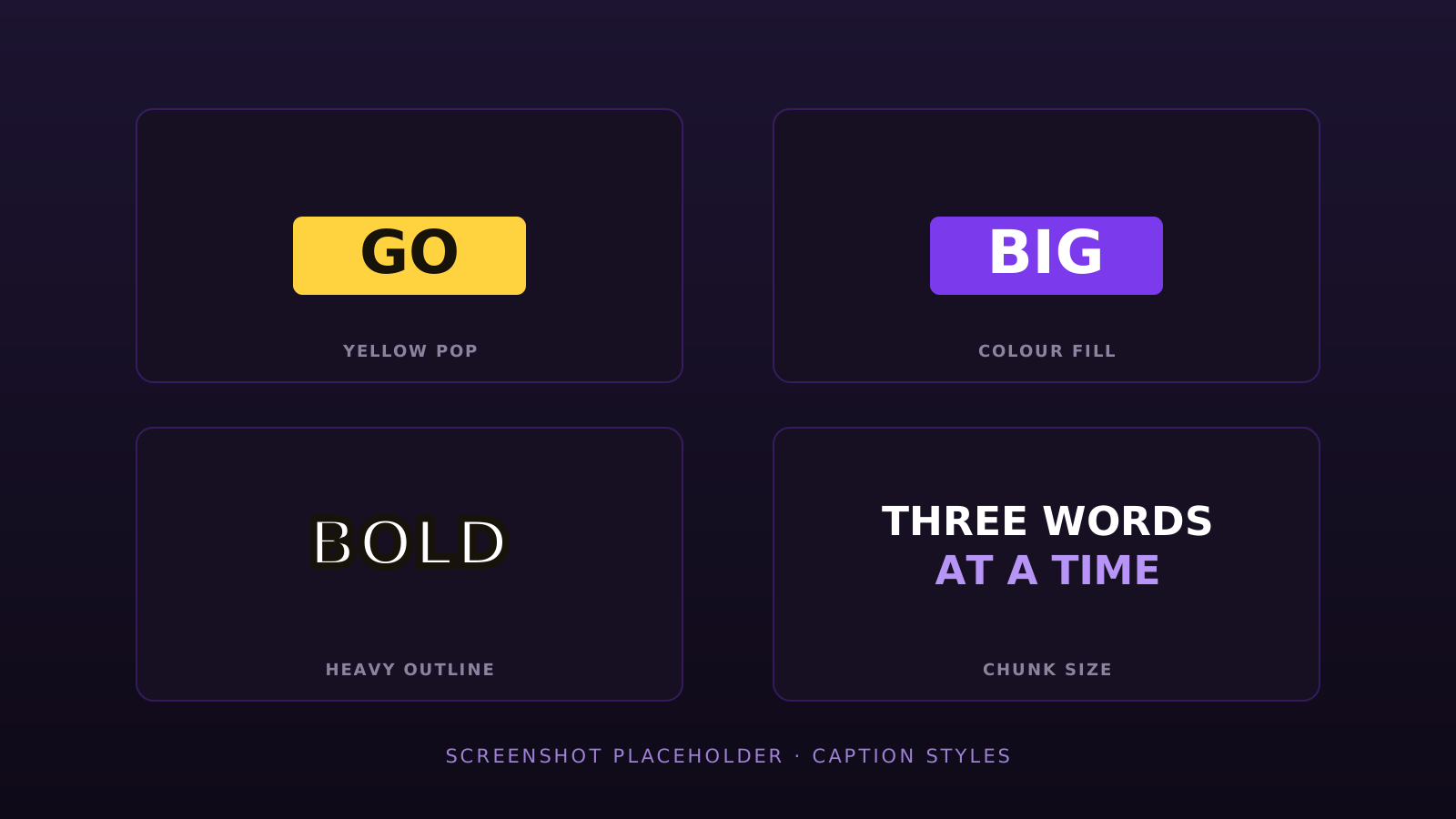
It should look like yours, not a templatePick any font installed on your Mac and set its size. Choose the text colour and the highlight colour for the active word, add an outline at the weight you want, and drop in a background panel with adjustable opacity when the footage is busy. Go all-caps or keep the case, set how far each word pops, and place the whole line exactly where you want it in frame.
Export clean
Ready to postWhen it looks right, PunchyCaptions burns the captions into the video and writes out an MP4 — H.264 or HEVC — that plays anywhere you want to post it. Because the exporter uses the very same renderer as the preview, the file matches what you saw on screen, frame for frame.
Pricing
Free to use — pay once to drop the watermarkPunchyCaptions is free to use in full — import, transcribe, script, style, edit and preview, with nothing held back. The free version simply adds a watermark to the videos you export.
PunchyCaptions Pro removes that watermark, so you ship clean, finished videos. It's a one-time purchase of $19.99 — no subscription, ever. Buy it once and it's yours.
There's no trial — the free version is the trial, watermark aside.
Price shown in USD (or local equivalent).
Requirements
Mac · macOS 15.6PunchyCaptions is a Mac app and requires macOS 15.6 Sequoia or later. There is no iPhone or iPad version.